Edit PDFs without uploading them.
Open a private PDF editor in your browser. Edit text, annotate, OCR scans, redact sensitive content, organize pages, and export locally.
Your file stays on your computer. CrabPDF runs client-side, with no account, no cloud library, and no server-side document processing.
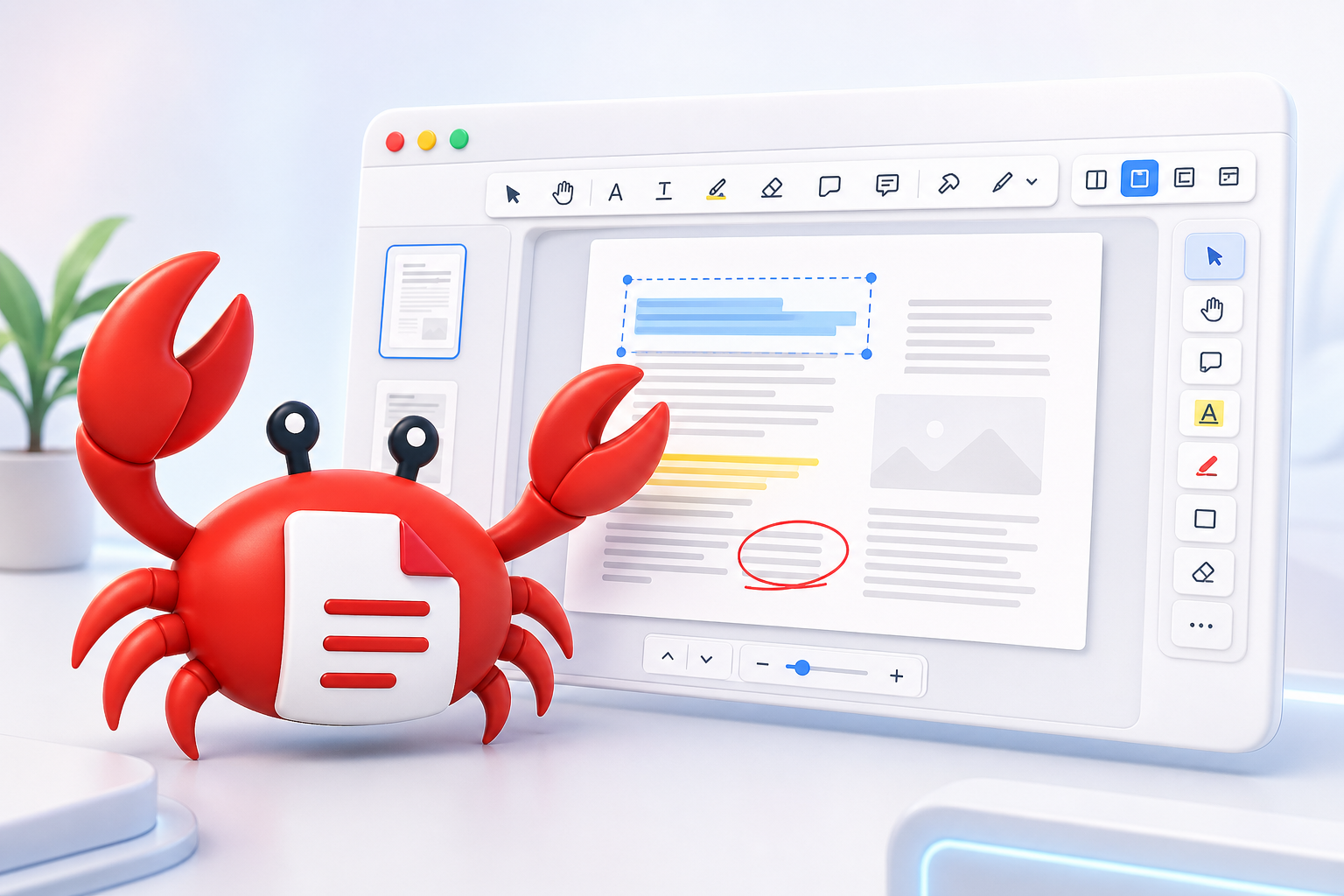
It opens like an editor, works like a local app.
Choose a PDF and CrabPDF switches into the full editor.
Text edits, OCR, annotations, page tools and redaction stay in one interface.
No account, no cloud handoff, no server-side document storage.
Inside the editor
The first screen should feel like a document app. These tools are ready once the PDF opens.
You can verify the local-first part yourself.
Open CrabPDF Editor, install it as a PWA if you want, load the app once, then disable Wi-Fi or block network access. You can still open and edit PDFs.
Built for focused PDF editing.
CrabPDF is a browser-based editor, not a giant desktop publishing suite. Some PDFs have strange fonts, broken encodings, scanned pages, or complex layouts. The goal is to make common PDF edits possible without uploading private documents to a random server.
It works best for quick text corrections, OCR fixes, annotations, page operations, compression, and redaction when you need control over where the file goes.